Automation
AI chatbot builder
Build WhatsApp journeys for FAQs, lead qualification, booking, support triage, order questions, and human handoff.
- No-code flow planning
- AI answers from approved business data
- Bot-to-agent handoff
AutoChat combines AI chatbots, team inbox, broadcasts, WhatsApp commerce, Flows, integrations, analytics, and rollout support so customer conversations become organized business workflows.
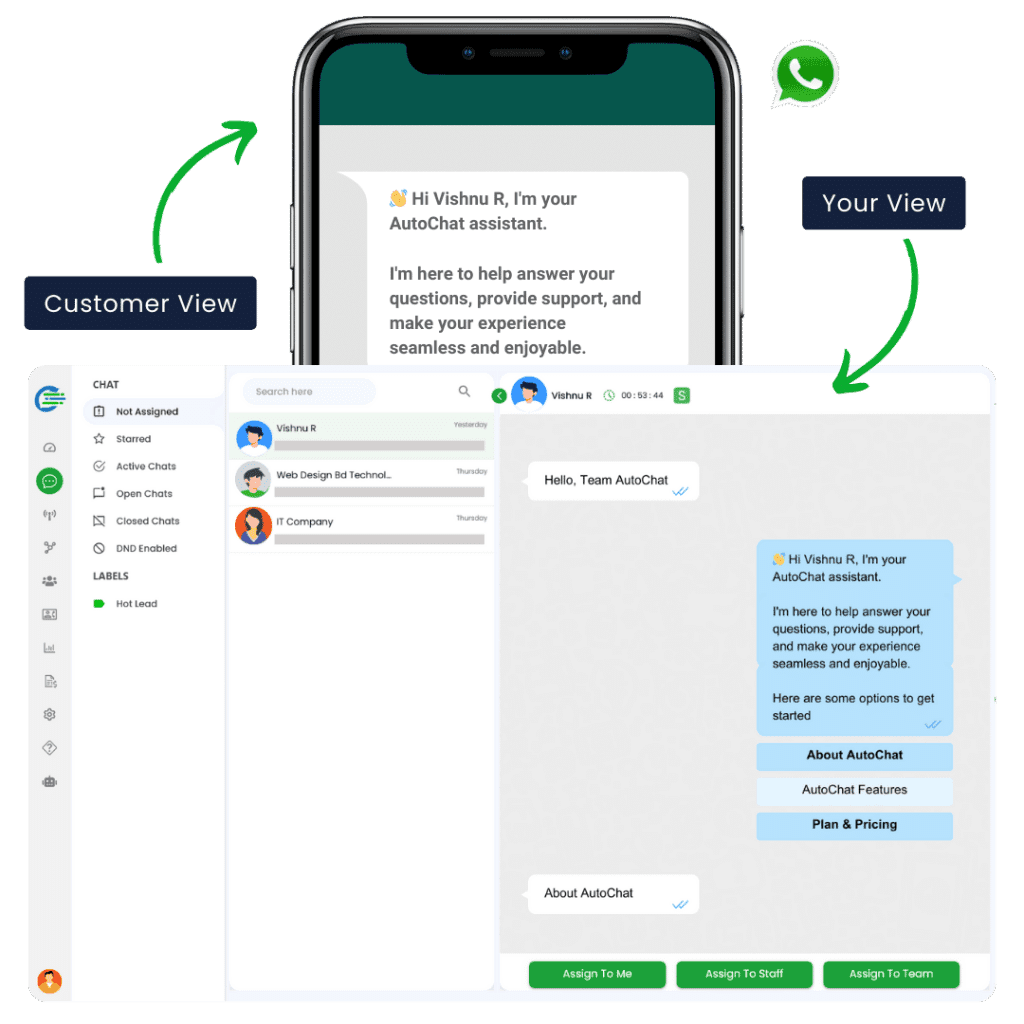
Each module can solve one job, but the bigger value is connecting the full sales, support, marketing, and operations loop around WhatsApp.
Build WhatsApp journeys for FAQs, lead qualification, booking, support triage, order questions, and human handoff.
Give the sales and support team one shared place to manage WhatsApp conversations without losing customer context.
Run Meta-approved template campaigns, segment contacts, and keep replies connected to the same inbox workflow.
Support product discovery, payment-link handoff, COD confirmation, abandoned cart recovery, and order follow-up.
Collect structured customer information inside WhatsApp for quotes, appointments, onboarding, feedback, and lead forms.
Connect WhatsApp actions with CRMs, ecommerce stores, sheets, forms, lead ads, ticketing, and custom systems.
A strong WhatsApp setup is not only a bot or a broadcast tool. It needs capture, qualification, conversion, support, and reporting to stay connected as the customer moves through the business.
Turn website clicks, Meta lead ads, QR scans, product enquiries, and support requests into organized WhatsApp conversations.
Use bot questions, AI replies, tags, and fields to understand intent before the right human team member steps in.
Send templates, product details, payment links, booking links, and reminders while keeping the conversation history visible.
Route follow-ups, repeat questions, order status, service updates, and escalations through one team workflow.
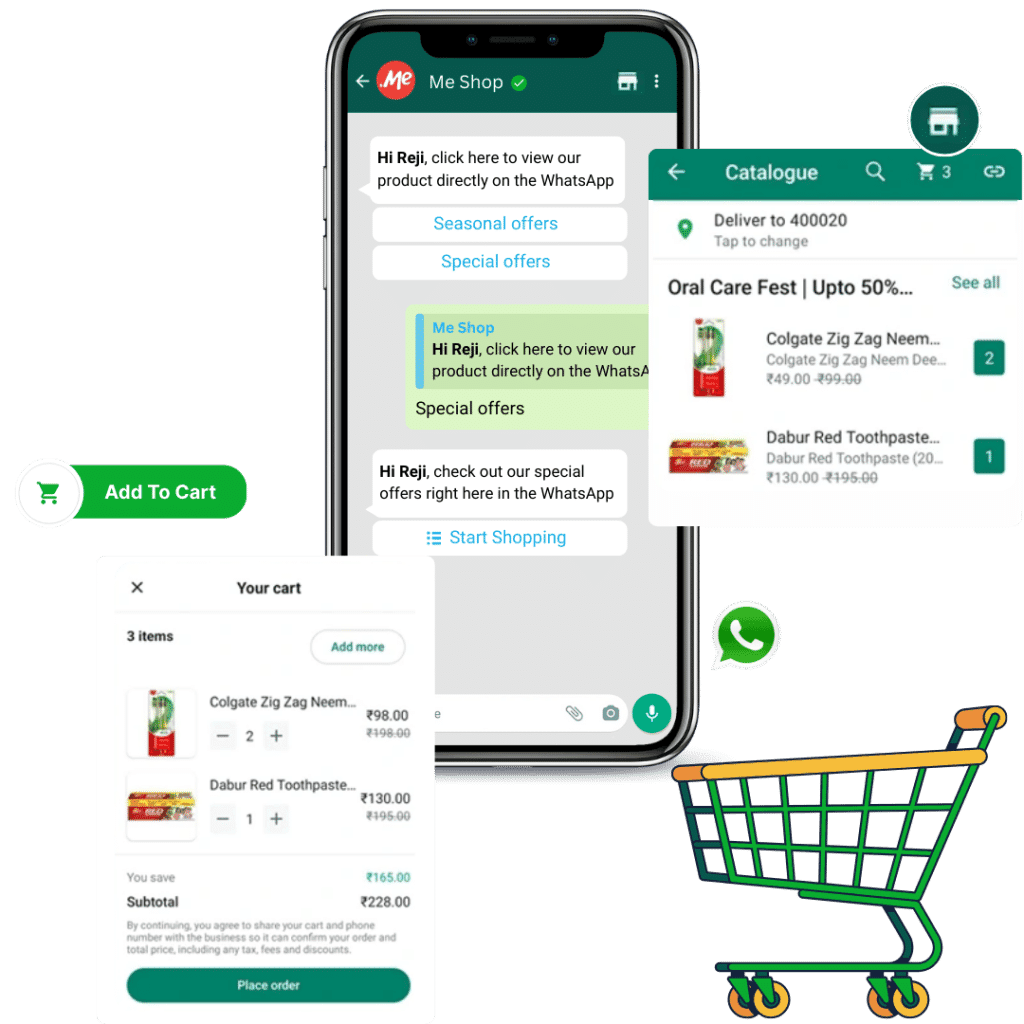
AutoChat stays practical for business owners, marketers, sales teams, support teams, and ecommerce operators who need the WhatsApp channel to run every day without chaos.
Lead qualification from ads
Product enquiry automation
Appointment and demo booking
Abandoned cart recovery
Order and payment follow-up
Customer support triage
Renewal and reminder campaigns
Agent handoff with CRM context
Go beyond feature names with the operating layers that make AutoChat a dependable operating system around WhatsApp.
Plan number readiness, template usage, business verification, coexistence limits, and safe WhatsApp API onboarding.
Track campaign responses, team ownership, customer status, and workflow performance so follow-up gaps are easier to find.
Standardize sales, support, ecommerce, appointment, education, healthcare, real estate, and service-business flows.
Quick answers for buyers who want to understand fit, setup scope, and integrations before booking a demo.
Most teams start with the team inbox, AI chatbot flows, approved templates, and one clear lead or support workflow before expanding into broadcasts, commerce, and API automation.
Yes. AutoChat is built around shared customer conversations, so sales, support, broadcasts, bot replies, and human handoff can stay connected in one operating flow.
Yes. AutoChat can connect with ecommerce stores, CRMs, spreadsheets, forms, payment events, Zapier, Make, Pabbly, APIs, and webhooks depending on the rollout plan.
Start with the customer journey, then connect automation, inbox, templates, integrations, commerce, and analytics around the same business goal.