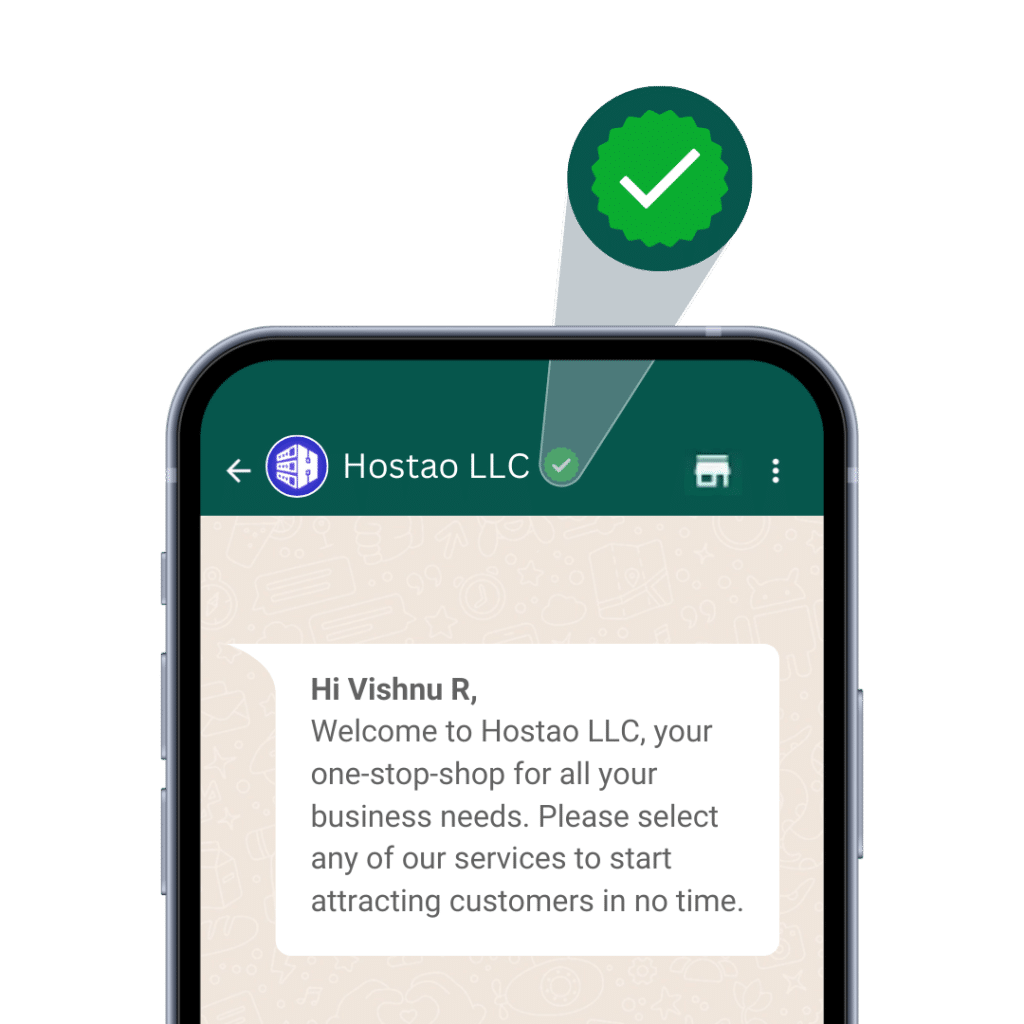



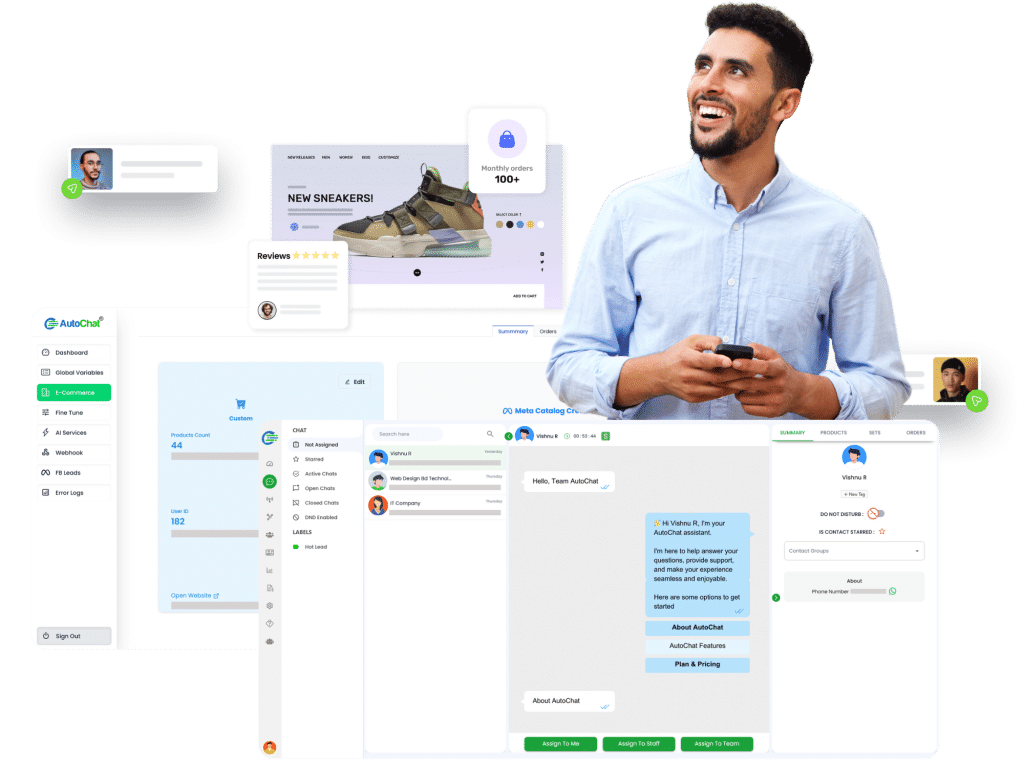




Automate WhatsApp without breaking the way your business already works.
AutoChat combines team inbox, approved templates, broadcasts, commerce, integrations, and coexistence rules so businesses can improve WhatsApp operations without losing existing customer continuity.

One stack for WhatsApp operations that cannot afford disruption
Many WhatsApp automation tools focus only on bot replies. AutoChat is built around the operating layer: continuity, ownership, handoff, templates, data flow, and follow-through.
Coexistence-first automation
Add automation while keeping business conversations, contacts, data continuity, and WhatsApp call handling practical.
Team inbox and CRM
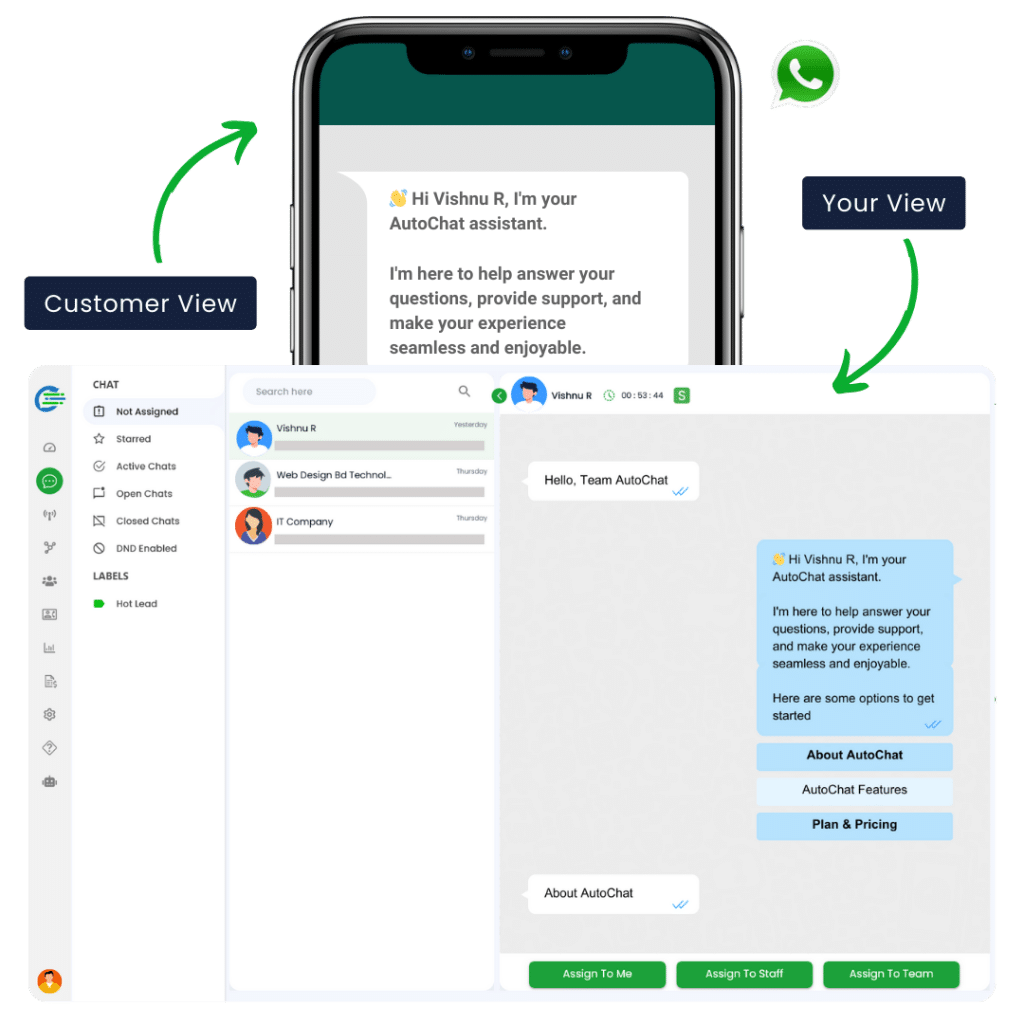
Assign chats, add notes, hand over from bot to human, and keep customer history in one place.
Broadcasts and templates
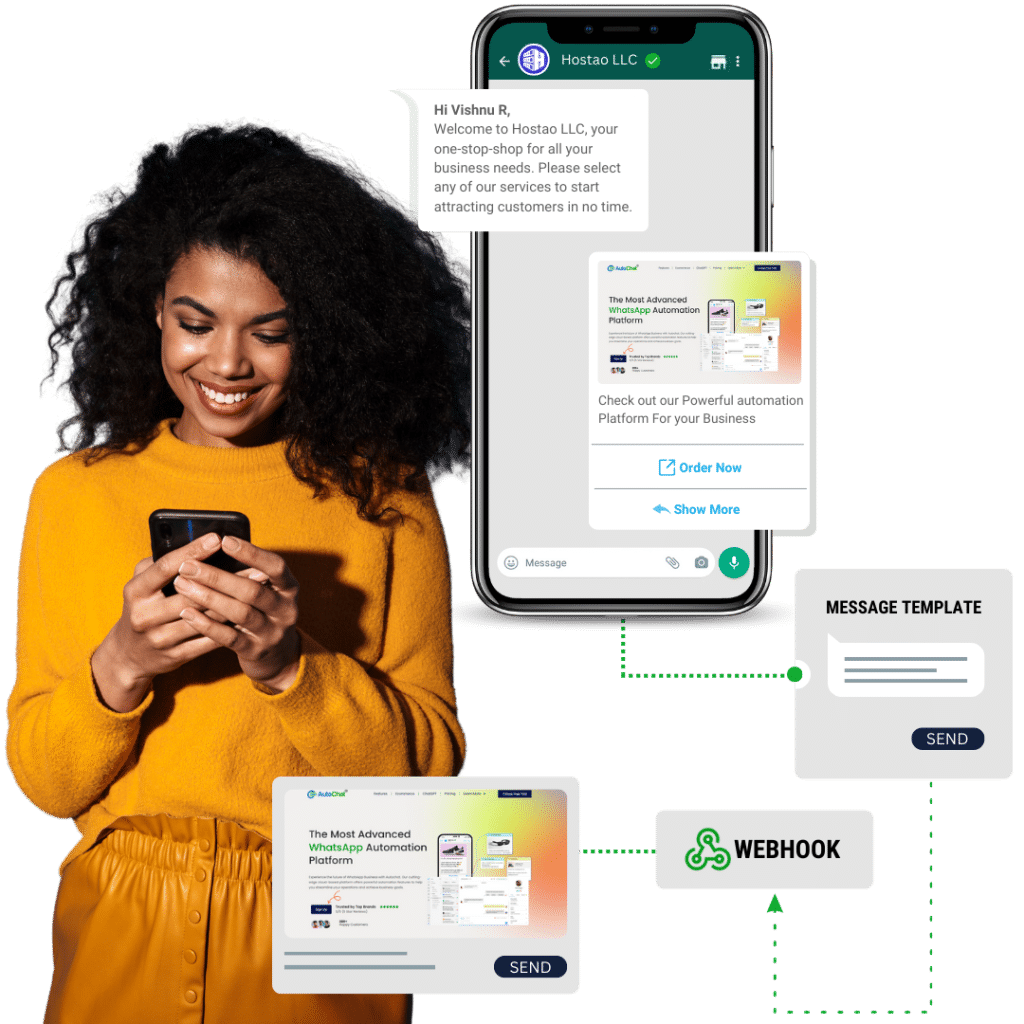
Prepare approved message campaigns, segment contacts carefully, and route replies back to the right team.
WhatsApp commerce
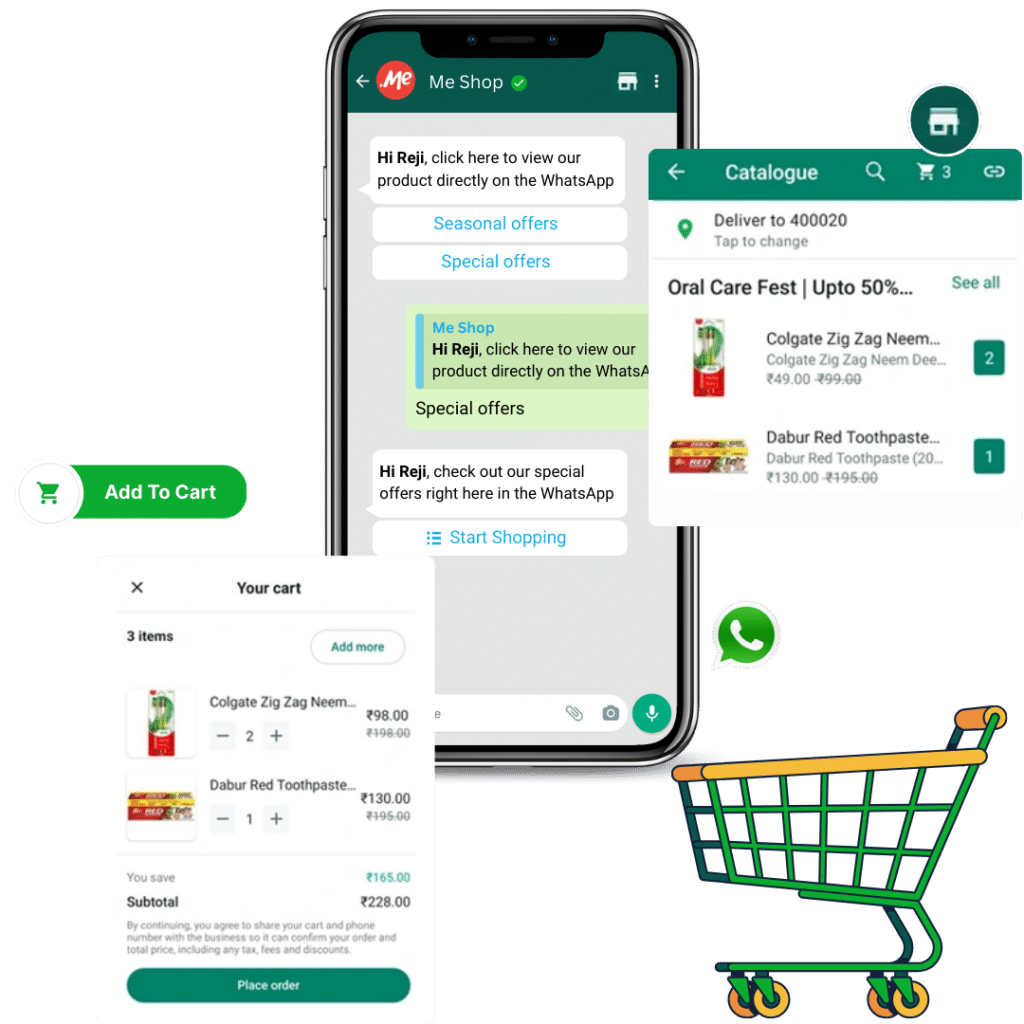
Support product questions, catalog conversations, payment-link handoff, and order follow-up.
AI-assisted replies
Use AI where it helps: answer common questions, qualify leads, and support agents without losing control.
API and workflow automation
Connect CRM, ecommerce, sheets, payment systems, lead ads, booking, and custom operations.
A WhatsApp automation platform built around coexistence, not replacement
AutoChat’s strongest difference is practical: businesses can add automation around their current WhatsApp process instead of forcing every customer conversation into a new tool on day one.
Manorama coverageMeta WhatsApp Business partnership
Covered by Manorama Online as a Malayalam founder-built AutoChat platform receiving Meta WhatsApp Business partnership recognition.
Built for MSME operations
The public coverage highlights customer support, lead generation, ecommerce, no-code chatbot building, and payment handoff for smaller businesses.
Coexistence feature
AutoChat is positioned around preserving existing chats, contacts, data, and WhatsApp call continuity while automation is added around the workflow.
WhatsApp workflows your team can operate
From first customer message to team ownership, AutoChat keeps conversations connected to sales, support, and commerce operations.

Team inbox
Route WhatsApp conversations, assign owners, and keep customer context visible for the team.

WhatsApp commerce
Guide product discovery, cart conversations, payment handoff, and order follow-up inside WhatsApp.

Support automation
Answer repeat questions, collect details, and hand important conversations to the right person.
Coverage for the workflows around every WhatsApp conversation
AutoChat connects customer conversations with broadcast reach, visual flow building, integrations, and payment handoff so the business keeps one organized customer journey.

Broadcast reach
Send approved WhatsApp campaigns to the right audience and route replies back to the team.

Connected systems
Connect WhatsApp workflows with forms, CRMs, sheets, ecommerce, webhooks, and business tools.

No-code builder
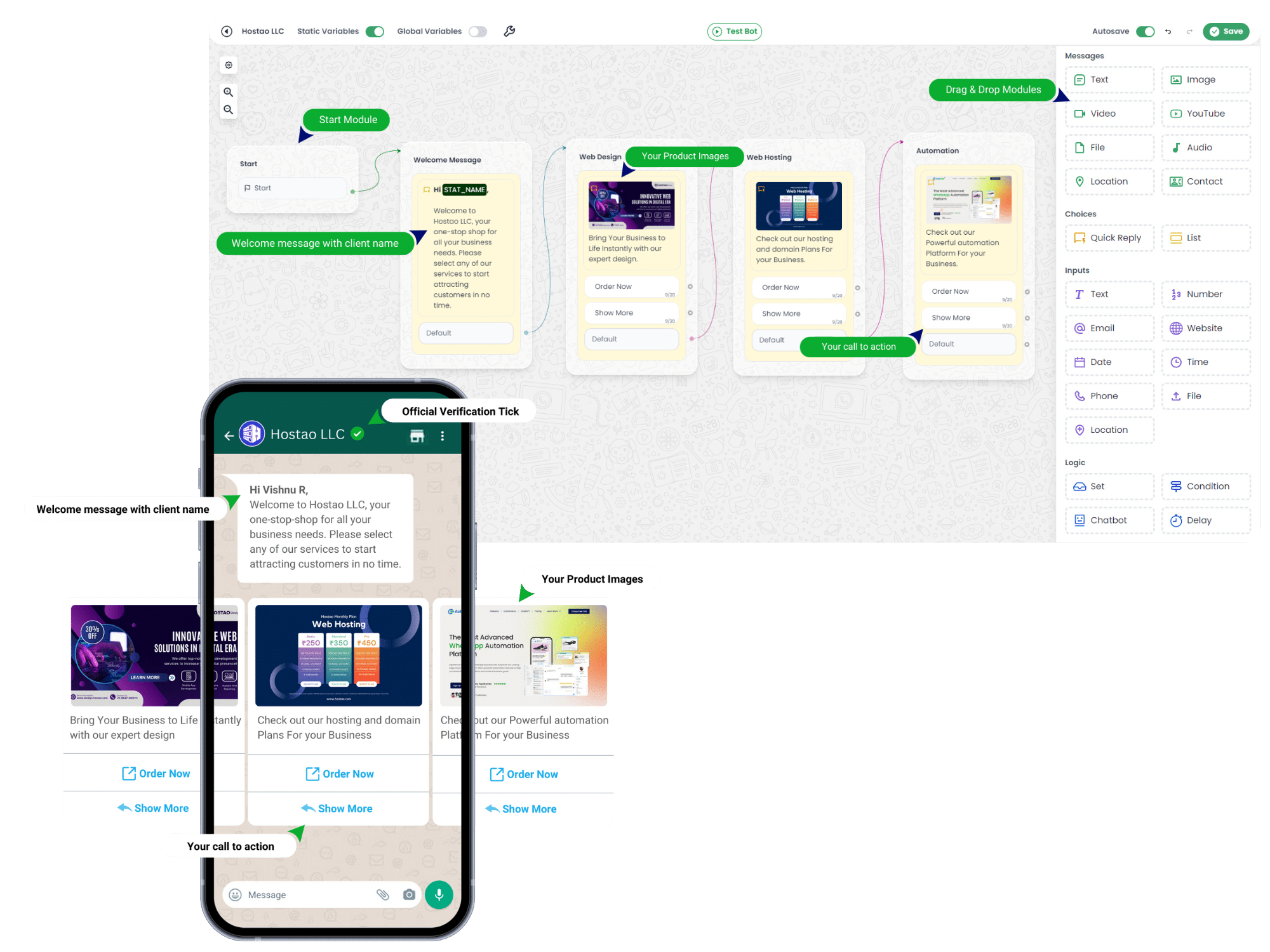
Build conversation paths with visual modules instead of custom development for every flow.

Payment handoff
Move customers from WhatsApp conversation to payment links and order follow-up cleanly.
Designed around business workflows, not chatbot novelty
The value is not in making WhatsApp sound automated. It is in what happens before and after each reply: qualification, ownership, context, follow-up, escalation, and conversion.
Use AutoChat for the daily WhatsApp moments that affect revenue and support quality: enquiries, qualification, follow-up, ownership, escalation, campaigns, and customer history.
Sales teams
Capture new enquiries, qualify leads, follow up faster, and hand strong conversations to a human.
Support teams
Answer repeat questions, organize tickets, assign owners, and keep WhatsApp support measurable.
Retail and ecommerce
Guide product discovery, recover carts, share payment links, and send order updates.
Agencies and BSP teams
Plan customer onboarding, templates, number readiness, and workflow rollout cleanly.
A cleaner way to launch WhatsApp automation
Start with the customer journey, then connect automation, inbox, templates, integrations, and coexistence rules around that flow.
Protect the current channel
Review how the business already uses WhatsApp, then decide what should stay human and what can be automated.
Build around real handoffs
Set up templates, routing, tags, agents, integrations, and coexistence rules around the existing process.
Measure the operating flow
Review replies, lead quality, escalation gaps, payment handoff, and customer trust instead of only counting bot messages.
Book the right AutoChat conversation
Serious WhatsApp automation projects need the right starting point. Pick the call that matches your business stage and we will route the conversation properly.
Business use case, team size, and WhatsApp API readiness
Number, templates, broadcast, commerce, and inbox requirements
Best next step: signup, onboarding, or custom implementation
AutoChat Product Demo
See chatbot flows, team inbox, broadcasts, commerce, and reply handling before rollout.
WABA / BSP Onboarding
Confirm number readiness, Meta requirements, templates, and the clean path to WhatsApp API setup.
Automation Strategy Call
Map sales, support, commerce, AI, and integration workflows before implementation or migration.
Keep automation useful, measurable, and human-controlled.
AutoChat is for businesses that need practical WhatsApp systems: clear routing, accountable teams, safe campaign handling, data continuity, and integration with real operations.
Let automation collect context, then move the right conversation to the right person.
Use approved WhatsApp template flows and keep replies connected to the inbox.
Send leads, events, orders, and follow-ups into the tools your team already uses.
Questions before you start
Is AutoChat only a chatbot?
No. AutoChat is designed as a WhatsApp business workflow platform: chatbot flows, team inbox, broadcasts, commerce, templates, AI assistance, and integrations.
Can I book a product demo before setup?
Yes. Use the AutoChat demo link to review the platform, confirm your use case, and choose the safest rollout path.
Does AutoChat support Meta WhatsApp onboarding?
AutoChat can help plan WhatsApp API, WABA/BSP readiness, templates, number use, and workflow setup before implementation.
Build a WhatsApp workflow your team can actually operate.
Start with the product demo, confirm the right setup path, and move from scattered replies to a managed WhatsApp business system.